
October 22, 2026
Choose your colour and size with confidence
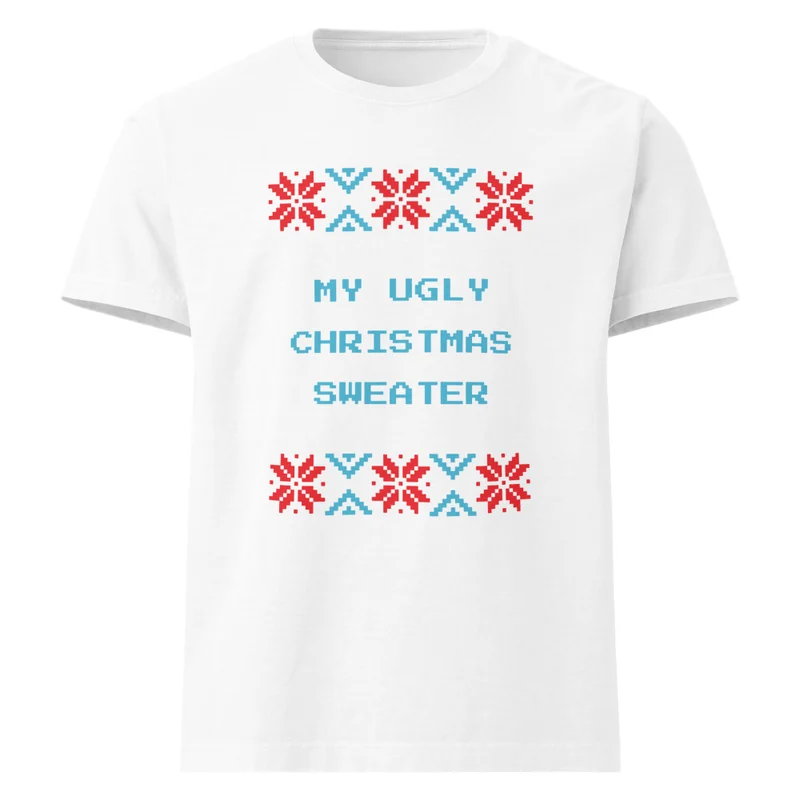
The best place to start is the exact product page. A design you like is only the beginning: colour, size and format determine the version you are choosing.
Look at the named colour
Colour controls show the options supplied for that particular design. A page with one confirmed colour has one choice; extra colours are not added just to fill a row of swatches. Use the colour name alongside the mockup, remembering that screens and lighting can affect how an image looks.
Choose the size for that product
Do not assume two products share the same fit simply because both offer an M or an XL. Use any product-specific measurements supplied for the item and compare them with a garment you already own. If measurements are missing or you are unsure, ask customer care before ordering.
Check the selected price
A starting price applies to the lowest-priced listed option. Selecting a different size or format can change the price. The product selector and your bag show the exact option you chose, so take a moment to confirm both before continuing.
Review the full picture
The item price is only part of the total. Request a delivery estimate with your address to see shipping and supplier tax before payment. For a custom project, confirm the product and proof separately; a saved design does not automatically alter an existing product in your bag.